

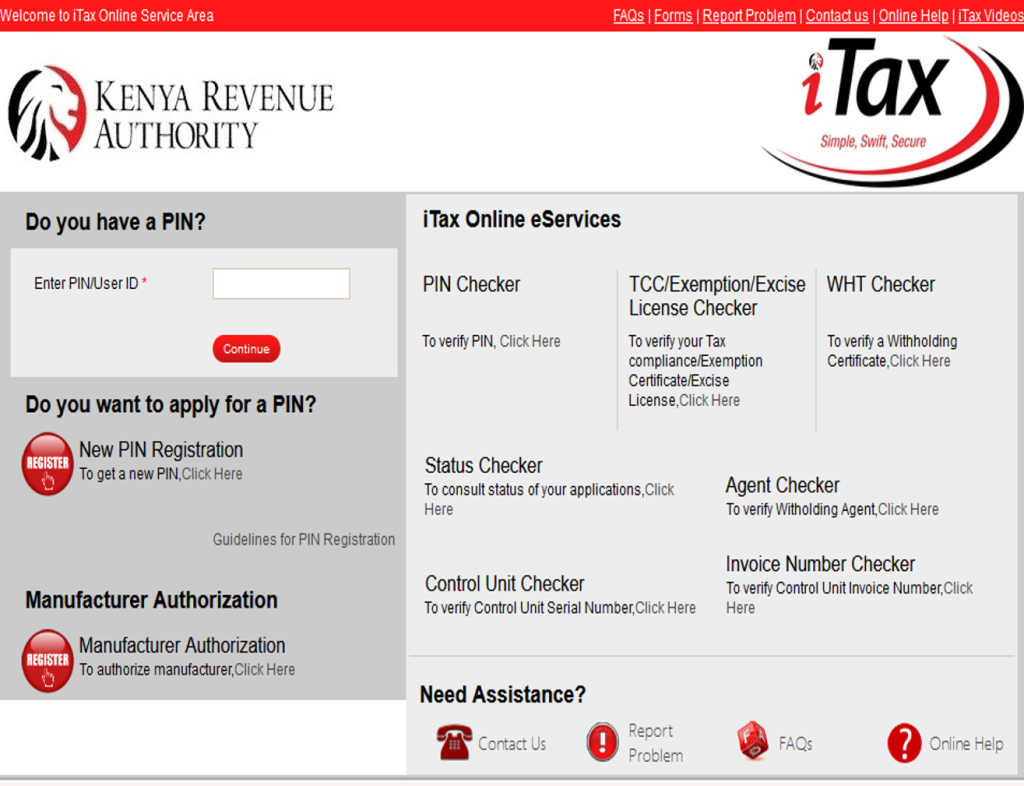
The Kenya Revenue Authority (KRA) has streamlined tax filing through its iTax system while tightening controls on nil returns. Filing is no longer a casual annual ritual; it is a data-verified declaration. Your return must match your financial footprint.
Step 1: Prepare Before Logging In
Gather necessary documents depending on your situation: P9 form (if employed), business income and expense records (if self-employed), rental statements (if applicable), your KRA PIN and password, and access to your registered email. Preparation is important because KRA cross-checks third-party data before accepting declarations.
Step 2: Log in to the iTax Portal
Visit the official iTax portal, enter your PIN and password, solve the security question, and click login. If you forgot your password, reset it using the “Forgot Password” option sent to your registered email.
Step 3: Select “File Return”
Click Returns, choose File Return, select your tax obligation (usually Income Tax – Resident Individual), and click Next. Selecting the correct obligation avoids rejection or penalties.
Step 4: Choose the Type of Return
Select the appropriate return type: Employment Income (PAYE), Business Income, Rental Income, or Nil Return (if eligible). This is where scrutiny has increased. KRA systems detect employer PAYE submissions, withholding tax certificates, tender payments, and other financial records linked to your PIN. If income exists, the nil option may be restricted.
ALSO READ:
TSC directs employees to file individual 2025 income tax returns
Step 5: Filing a Nil Return (If Eligible)
If you had no employment, no business, and no income at all during the year, select Nil Return, confirm the tax year, submit, and download the acknowledgment receipt. Nil must now genuinely mean zero income. The system verifies before approving.
Step 6: Filing Employment (PAYE) Returns
Download the Income Tax – Resident Individual (IT1) form from iTax. Open it in Excel and enter details from your P9 form including gross salary, benefits, PAYE deducted, and reliefs. Validate the sheet, upload it back to iTax, submit, and download your receipt. If your employer has declared income under your PIN, filing nil will not be allowed.
Step 7: Filing Business Income
Download the IT1 form, declare gross income, allowable expenses, and net profit. Validate, upload, submit, and generate a payment slip if tax is due. Even small digital or side businesses must be declared because electronic transactions leave records.
Step 8: Pay Any Tax Due
If tax is payable, pay via M-Pesa Paybill 572572, bank deposit, or RTGS. Keep proof of payment for your records.
Step 9: Download and Keep Your Receipt
After submission, download the acknowledgment receipt immediately. It serves as proof of compliance for jobs, tenders, loans, and tax compliance certificates.
ALSO READ:
Gov’t must rethink categorisation of Senior Schools to stop discrimination breeding
Step 10: Observe the Deadline
All individual returns must be filed by 30th June each year. Late filing attracts a minimum penalty of KSh 2,000, even if no tax is payable.
Why Nil Returns Are Being Restricted.
KRA’s tighter controls are based on data integration, revenue protection, and fairness. Employers, banks, and institutions submit financial data directly to the tax authority. This reduces under-declaration and ensures taxpayers contribute according to their actual income. The system now verifies before accepting a nil declaration.
Filing returns is a legal obligation. More importantly, it is now a data-driven process. If you earned income, declare it accurately. If you did not, file nil truthfully. Compliance today is not about ticking a box—it is about matching your declaration to your financial reality.
By Hillary Muhalya
You can also follow our social media pages on Twitter: Education News KE and Facebook: Education News Newspaper for timely updates.
>>> Click here to stay up-to-date with trending regional stories
>>> Click here to read more informed opinions on the country’s education landscape